In our super busy work world these days, keeping your computer on your desk organized isn’t just a nice-to-have — it’s pretty much essential if you want to get things done efficiently. I read some studies that say cluttered desks and messy digital spaces can actually cut your productivity by up to 40%. Yikes! So, it really pays off to have some solid strategies to keep both your physical space and your computer tidy. According to the Global Workspace Study by Steelcase, folks who keep their workspaces neat tend to stay more focused and stress less, which just makes everything run smoother and better overall.
Chris Williams, who’s pretty much an expert when it comes to ergonomic workspace setups, likes to point out that a well-organized desk isn’t just about looking good — it actually boosts your workflow and even sparks creativity. With how much we rely on tech and digital tools nowadays, staying organized isn’t just a bonus — it’s a must. By using some simple tips to clean up your computer and tidy your desk, you’re setting yourself up to stay more productive and make your work routine way easier and more enjoyable.
Assessing Your Current Desktop Organization and Identifying Pain Points
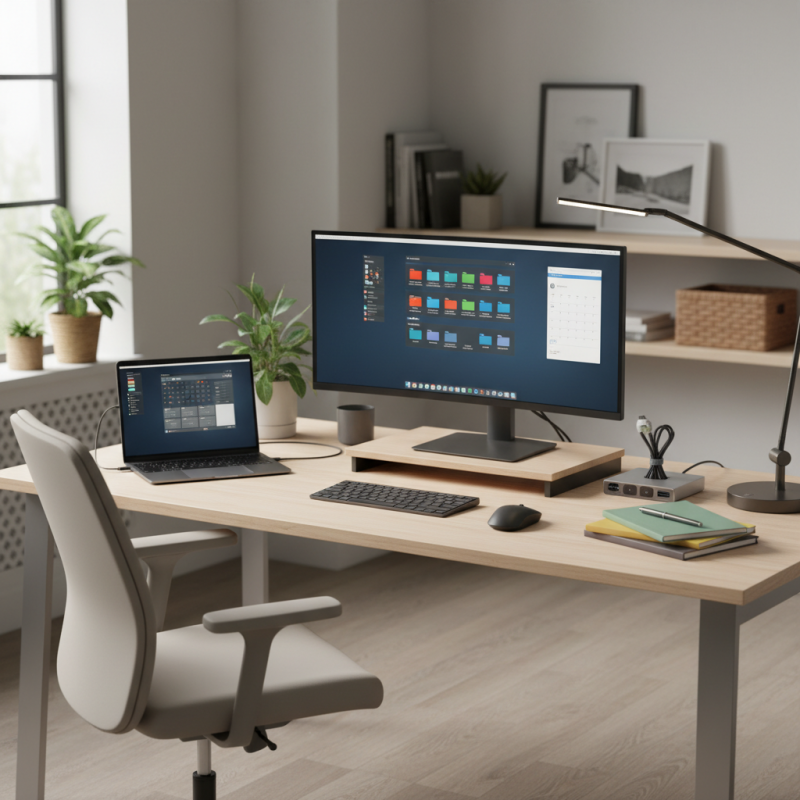
Assessing your current desktop organization is the first critical step toward maximizing productivity. Take a moment to evaluate your workspace and identify the tools or files that you use regularly. Are there unnecessary items cluttering your screen or desktop that distract you from focusing on your tasks? A clear, organized desktop allows you to find what you need quickly without the frustration of searching through a chaotic environment. Consider making a list of items that require attention, whether it’s digital files that need sorting or physical items that need to be put away.
In addition to identifying clutter, reflect on any consistent pain points you encounter during your daily workflow. Do you find yourself repeatedly searching for specific documents or applications? Perhaps certain programs are buried among dozens of icons. Recognizing these bottlenecks can help inform your organizational strategy. By prioritizing the arrangement of frequently used applications and files, you can streamline your efforts and create an intuitive workspace that enhances your productivity, making it easier to focus on the work at hand rather than wasting time on disorganization.
Choosing the Right Desktop Layout for Your Workflow and Tasks
Choosing an effective desktop layout is crucial for enhancing your workflow and improving overall productivity. One of the first steps is to identify the primary tasks you engage in daily. This understanding will guide you in arranging your screen space, applications, and documents. For example, if you frequently multitask between various applications, consider a dual-monitor setup that allows for easier access to multiple windows simultaneously, ensuring that you maintain an efficient flow of work without constant toggling.
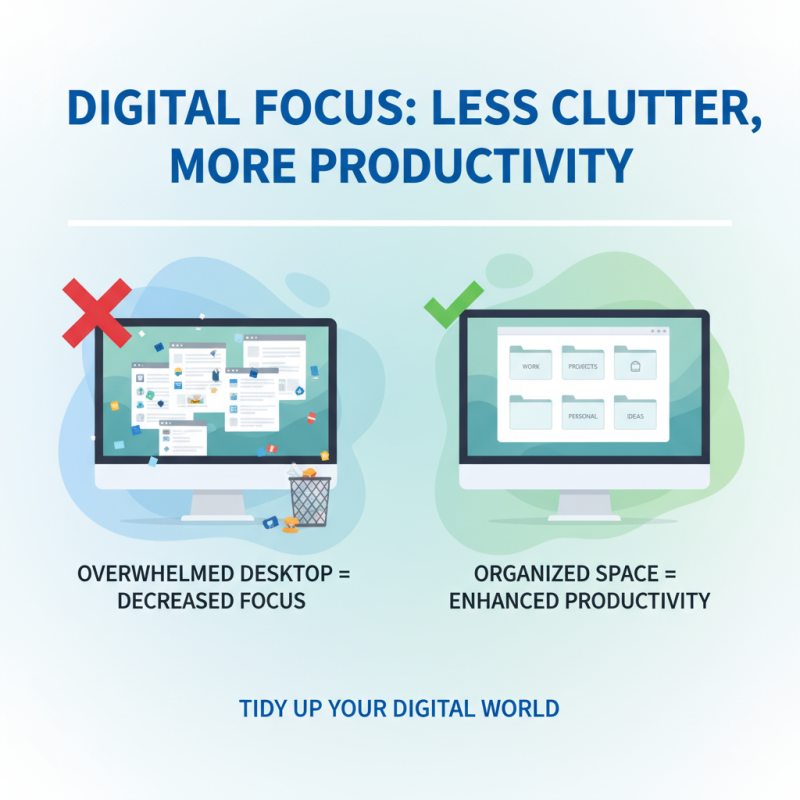
In addition to your physical layout, decluttering your digital workspace is essential. Organize your desktop icons and files into categorized folders that reflect your workflow. Use a grid or organized system that aligns with your tasks, such as project-based folders or priority lists. Visual organization not only reduces distractions, but also enhances the speed at which you can locate important documents or tools. Remember, a clean and orderly interface fosters a clear mind, ultimately leading to better focus and higher productivity levels.
Organizing Digital Files: Creating an Intuitive Folder Structure
Organizing your digital files is crucial for enhancing productivity, particularly in today's fast-paced work environment. A well-structured folder system not only saves time but also reduces stress. According to a study by the International Data Corporation (IDC), employees spend approximately 2.5 hours a day searching for information, which is nearly one-third of the workweek. To mitigate this inefficiency, it's essential to create an intuitive folder structure that aligns with your workflow and projects.
Begin by categorizing your files into broad categories such as Work, Personal, and Archive. Within these, create subfolders that further define specific projects or tasks. For instance, under the Work folder, you might have subfolders for different clients or ongoing projects.
A report from McKinsey highlights that effective collaboration through clear file organization can increase productivity by up to 25%. Additionally, naming conventions play a vital role; use clear, descriptive titles that make searching easier. Consider including dates in your file names for quick reference. By implementing these strategies, you’ll not only streamline your digital workspace but also foster an environment that promotes efficiency and focus.
Utilizing Desktop Widgets and Shortcuts for Quick Access
One of the most effective ways to enhance productivity while working on your computer is by utilizing desktop widgets and shortcuts. Desktop widgets serve as handy tools that provide real-time information at a glance, such as weather updates, calendar events, or news feeds. By integrating these widgets into your desktop, you can reduce the time spent switching between applications or browsing the internet for updates, thus keeping your focus on your tasks. Customizing the layout of your desktop to position these widgets prominently can create a personalized workspace that inspires efficiency.
Shortcuts are another vital element in organizing your computer setup. By creating keyboard shortcuts or placing file and application shortcuts on your desktop, you streamline your workflow significantly. This allows for immediate access to frequently used documents or programs, saving time and minimizing distractions. You can further categorize these shortcuts into folders, ensuring easy navigation and reducing clutter on your desktop. With a well-organized system of widgets and shortcuts, you’ll develop a workspace that not only boosts your productivity but also makes your daily tasks feel more manageable.
10 Essential Tips for Organizing Your Computer on Desk for Maximum Productivity
| Tip Number | Tip Description | Usage Frequency | Impact on Productivity |
| 1 | Use Desktop Widgets for Quick Information Access | Daily | High |
| 2 | Create Shortcuts for Frequently Used Applications | Daily | High |
| 3 | Organize Files into Folders by Category | Weekly | Medium |
| 4 | Use Cloud Storage for Easy Access | Daily | High |
| 5 | Regularly Clean Up Desktop Clutter | Monthly | Medium |
| 6 | Utilize Task Manager for Planning | Daily | High |
| 7 | Set Up a Daily Backup Schedule | Weekly | High |
| 8 | Customize Your Taskbar for Quick Access | Daily | High |
| 9 | Label and Color-Code Folders for Easy Identification | Weekly | Medium |
| 10 | Utilize a Note-Taking App for Quick Reminders | Daily | High |
Implementing Regular Maintenance Routines for Your Computer Desk
Implementing regular maintenance routinesfor your Computer Desk can significantly enhance your productivity and overall work experience. A study by theInternational Journal of Human-Computer Interaction found that a well-organized workspace can boost productivity by up to 20%. This is especially true for digital environments, where cluttered desktops or disorganized files can lead to time wasted searching for necessary documents. Establishing a routine for cleaning and organizing your desktop not only helps in keeping distractions at bay but also fosters a clearer mindset, leading to improved efficiency in task completion.
To effectively maintain your computer desk, consider setting aside time each week for digital decluttering. This can include deleting unused files, organizing documents into clearly labeLED folders, and ensuring that frequently used applications are easily accessible. According to a report by theProductivity Research Group, employees spend an average of 30 minutes each day searching for misplaced files, which equates to nearly 6 weeks of work each year. By regularly addressing digital disarray, you can reclaim valuable time and focus on your priorities. Additionally, investing in tools like file management software can aid in streamlining your workflow, ensuring that your desk remains not only organized but also conducive to high productivity.
Minimizing Distractions: Tips for a Clutter-Free Digital Space
Minimizing distractions in your digital space is crucial for enhancing productivity. A cluttered desktop can lead to an overwhelmed mind and decreased focus. Start by tidying your digital workspace. Organize files into clearly labeled folders to easily locate important documents. A minimalist desktop background can also help keep distractions at bay—consider using a simple, calming image.
Another effective tip is to limit the number of applications running simultaneously. Close any that are not currently in use to create a more streamlined environment. This not only reduces visual noise but also improves your computer's performance. Embrace the use of productivity tools like task managers or time trackers, which can help keep you aligned with your goals without the distractions of unnecessary notifications.
Finally, schedule regular clean-up sessions for both your physical desk and digital space. Set aside time weekly to remove outdated files and unused apps. This proactive approach not only maintains order but also allows you to refocus your attention on what truly matters, fostering an efficient workspace that promotes sustained productivity.
Incorporating Ergonomics in Your Computer Setup for Comfort and Focus
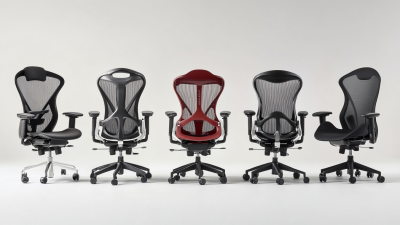
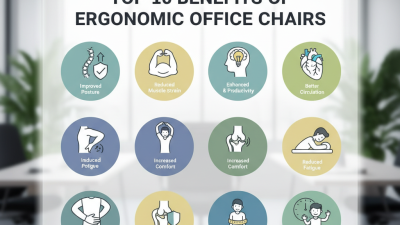
When organizing your computer setup on your desk, incorporating ergonomics can significantly enhance comfort and focus, leading to increased productivity. Proper alignment between your screen, keyboard, and chair can prevent common issues such as eye strain, neck pain, and repetitive strain injuries. According to the Occupational Safety and Health Administration (OSHA), up to 50% of office workers experience discomfort related to poor workplace ergonomics, which can hinder performance and reduce overall job satisfaction.
To create an ergonomically friendly workspace, position your monitor at eye level, about an arm's length away, to minimize eye strain. Your keyboard should be placed so that your elbows are at a 90-degree angle, keeping your wrists straight. A study published in the Journal of Occupational and Environmental Hygiene found that implementing ergonomic principles can lead to a 22% reduction in discomfort and a notable improvement in worker output. Additionally, utilizing a chair with adjustable height and lumbar support is crucial, as it helps maintain good posture throughout the workday, which, according to the National Institute for Occupational Safety and Health (NIOSH), can reduce fatigue and enhance focus. By prioritizing ergonomics in your computer setup, you not only foster a more comfortable environment but also pave the way for higher levels of productivity.
Enhancing Workplace Health and Productivity: Insights from Recent Studies on Height Adjustable Desks and Ergonomic Design
Recent studies indicate that the integration of Height Adjustable desks in workplace environments significantly enhances both employee health and productivity. Research published in the "Journal of Occupational Health Psychology" found that employees using ergonomic furniture reported a 15% decrease in discomfort and a noticeable increase in concentration levels. Height adjustable desks allow users to easily switch between sitting and standing positions, promoting better posture and reducing the risk of musculoskeletal disorders, which affect nearly 30% of workers today.
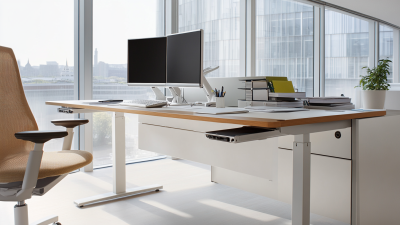
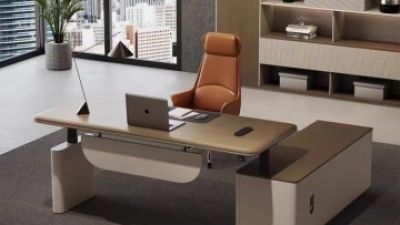
A height adjustable desk, such as one measuring 1600*1600*720-1200mm with customizable walnut wood and white finishes, serves as an excellent investment for organizations looking to enhance workplace ergonomics. The option to tailor size and color to specific customer specifications ensures that workplaces can maintain aesthetic coherence while focusing on functionality. Furthermore, a solid 5-year warranty reflects the durability of these desks, offering peace of mind as companies prioritize long-term employee well-being.
Emerging evidence highlights that not only do ergonomic designs lead to a healthier workforce, but they also correlate with improved productivity levels. According to a study by the Global Workplace Analytics, companies that promote ergonomically designed workspaces report up to a 25% increase in productivity. By adopting height adjustable desks, organizations can foster an environment conducive to both employee satisfaction and operational efficiency, creating a win-win scenario for both employers and employees.
FAQS
: Desktop widgets are tools that provide real-time information, such as weather updates and calendar events. They help reduce the time spent switching between applications, allowing users to maintain focus on their tasks, ultimately enhancing productivity.
Creating shortcuts allows for immediate access to frequently used files and applications, which streamlines your workflow. This saves time and minimizes distractions, helping you work more efficiently.
You can maintain an organized digital workspace by establishing a routine for cleaning and organizing your desktop. This includes deleting unused files, organizing documents into labeled folders, and ensuring easy access to frequently used applications.
Regularly decluttering your digital workspace can save you valuable time. Studies suggest that employees spend an average of 30 minutes each day searching for misplaced files, which can amount to nearly 6 weeks of work lost each year.
To minimize distractions, you can organize files into labeled folders, use a calming minimalist desktop background, limit the number of applications running simultaneously, and utilize productivity tools like task managers.
It’s recommended to schedule regular clean-up sessions weekly to remove outdated files and unused applications. This proactive approach helps maintain order and allows you to refocus on your priorities.
A well-organized workspace can boost productivity by up to 20%, as it reduces the time spent searching for documents and creates a clearer mindset for task completion.
File management software can streamline your workflow by providing tools for better organization of files and documents, ensuring that your digital workspace remains clutter-free and conducive to productivity.
Conclusion
In "10 Essential Tips for Organizing Your Computer On Desk for Maximum Productivity," the article emphasizes the importance of assessing your current desktop organization and identifying pain points that hinder your workflow. It encourages readers to choose a desktop layout that aligns with their tasks, ensuring that their computer setup enhances productivity.
Organizing digital files by creating an intuitive folder structure is crucial, as is utilizing desktop widgets and shortcuts for quick access to frequently used applications. The article advises implementing regular maintenance routines to keep your computer on desk organized and clutter-free. Minimizing distractions is essential for maintaining focus, and incorporating ergonomics into your computer setup can greatly enhance comfort while working. Overall, these strategies aim to create a streamlined workspace that promotes efficiency and effectiveness.